

Configuring DNS NameServer on Linux Cloud Servers
DNS name servers are used for name resolution from a server in all operating systems. In most Linux Operating systems, these DNS servers are specified in the file /etc/resolv.conf. This file contains one nameserver line which defines the DNS server.
This file can be viewed and the DNS nameservers edited by using the steps given below:
-
Open the file using any editor.
# vi /etc/resolv.conf
-
Add lines for the name servers that need to be used.
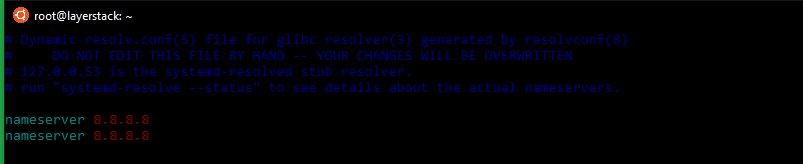
Here the common Google nameservers
8.8.8.8and8.8.4.4have been used.
In modern Linux, this file is indirectly managed by the systemd-resolved service, and in some cases by the network service (by using initscripts or NetworkManager). Hence, manually changed values do not last or will get revoked after a reboot. To resolve this, the resolvconf utility can be installed and used to make the changes permanent. The below steps can be used for this.
-
Run update before proceeding with the installation.
# apt-get update
-
Install resolvconf by executing the below command.
# apt install resolvconf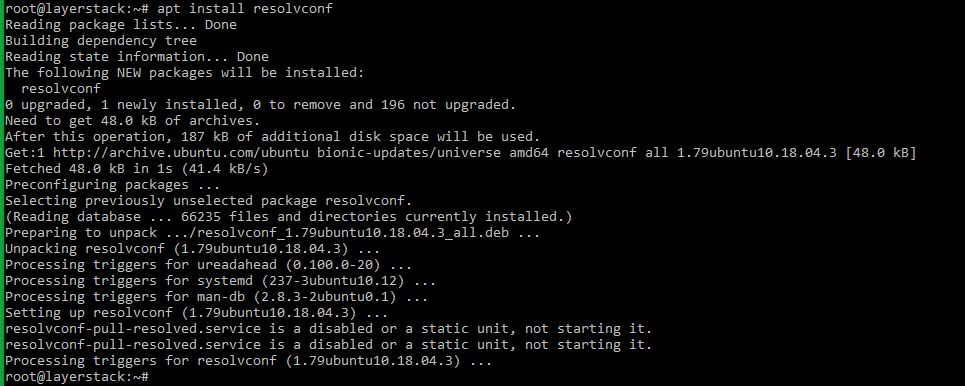
-
Verify the service status.
# systemctl status resolvconf.service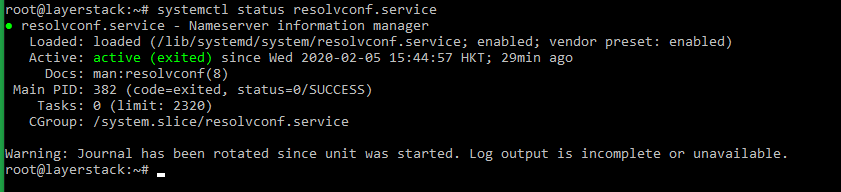
If the service is not started, it can be started using the below commands:
# systemctl start resolvconf.service

# systemctl enable resolvconf.service

# systemctl status resolvconf.service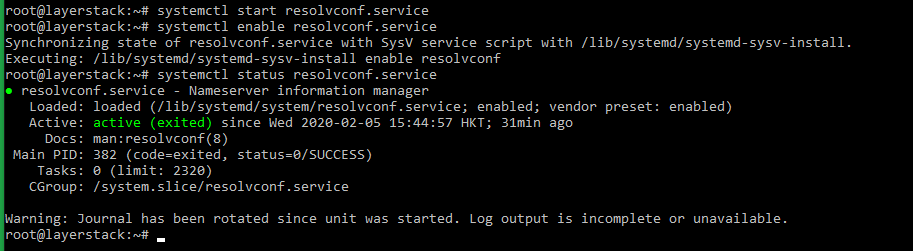
-
Set up permanent DNS nameservers.
# vi /etc/resolvconf/resolv.conf.d/head
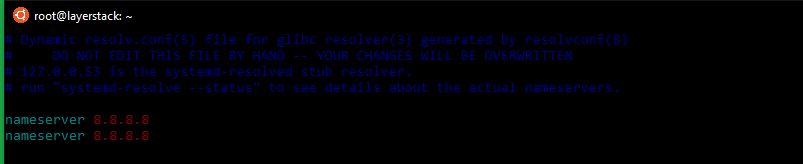
Here the common Google nameservers
8.8.8.8and8.8.4.4have been used. -
Restart the service.
# systemctl restart resolvconf.service