
How to Backup and Restore MySQL or MariaDB on Linux Cloud Servers
In a database management system, backup is an important part of dealing with databases.
In MySQL/ MariaDB database, the mysqldump command is used to take the backup of the database. It’s designed specifically for backup purposes. Mysqldump can be used to back up a single database, multiple databases, and all databases.
Backup Procedures
Backing up a single database
We can run the following command in the shell prompt to take the backup for a single database.
# mysqldump -u root -p database_name > database_name.sql
NOTE: Please replace the database_name with your real database name. Depending on the database size, the process can take some time.

Backing up all databases
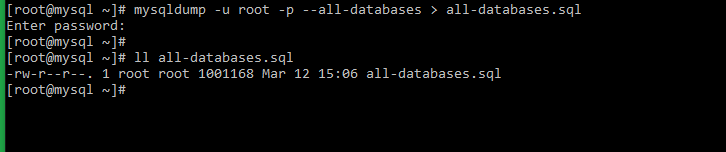
We can run the following command in the shell prompt to take the backup for all databases.
For that, need to add --all-databases option with mysqldump.
# mysqldump -u root -p --all-databases > all-databases.sql
Restore Procedures
Restoring a MySQL backup
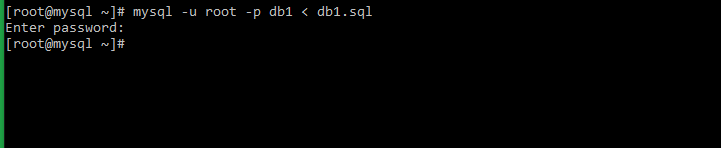
We can run the following command in the shell prompt to restore a MySQL backup.
For that, need to find the .sql backup file and run the following command.
# mysql -u root -p database_name < file.sql
NOTE: Please replace the database_name with your real database name and file with .sql backup file name.
Restoring all MySQL backup
We can run the following command in the shell prompt to restore all MySQL backups.
# mysql -u root -p < all-databases.sql
NOTE: Please replace the all-databases.sql file with your backup file name.

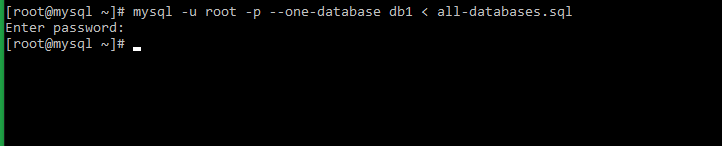
Restoring a single database from a dump of all the databases
For that, need to add --one-database option with MySQL query.
# mysql -u root -p --one-database database_name < all_databases.sql
NOTE: Please replace the database_name with your real database name and all_databases.sql with the MySQL backup file name.