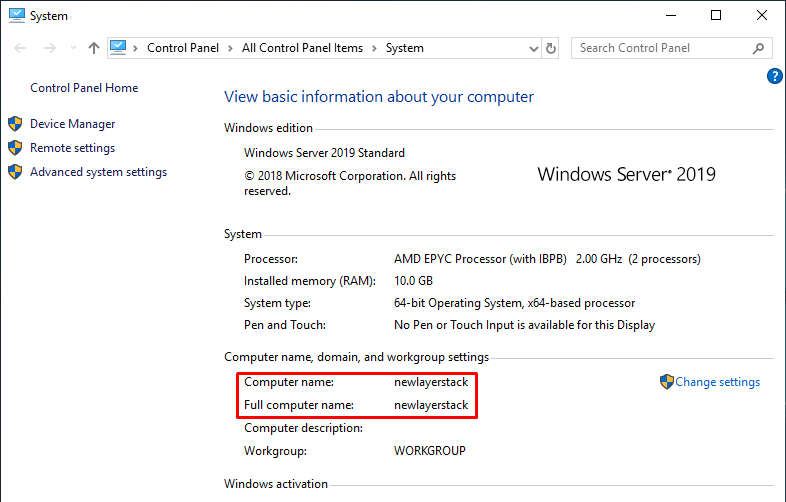

How to change Hostname / Computer's name on Windows Cloud Servers
A hostname is used to identify a server and this is the unique name. The requirements for enabling computers to communicate with each other on a network using the concept of the hostname.
This article will guide you on how to change the hostname on the Windows server.
-
Click on the
Windowsicon.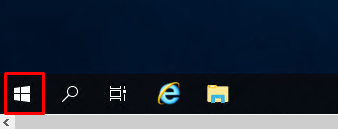
-
From the new Window right-click
This PCicon and then selectMore&Properties.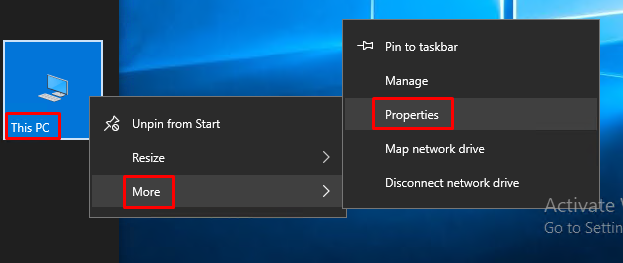
-
From the new window, click
Change settings.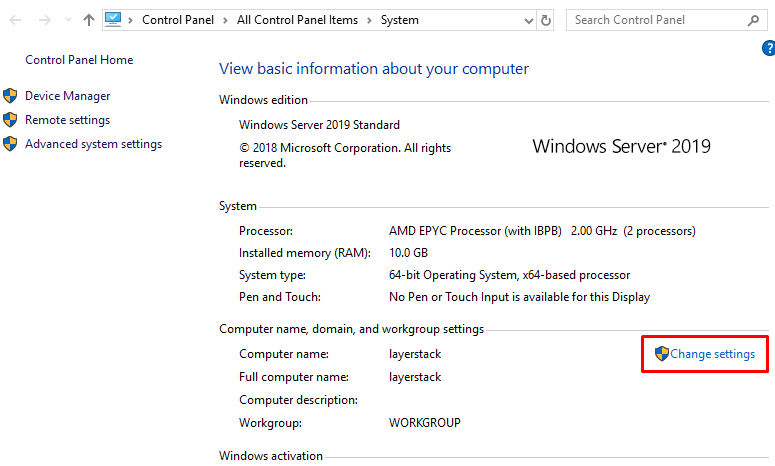
-
This will open
System Propertiesin a new window and ClickChange.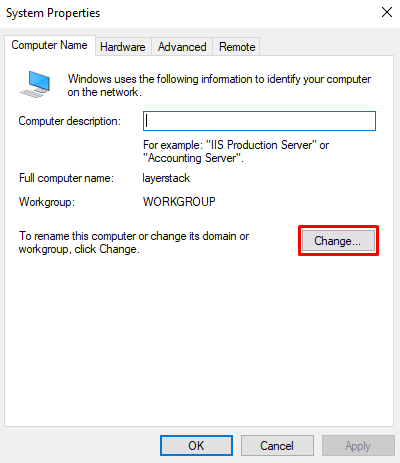
-
Input the
new hostnamein the Computer name field and then clickOK.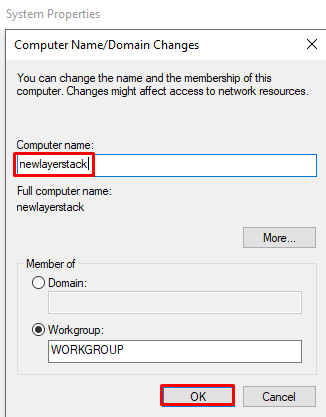
-
A new dialog box will appear with a message that the server will need to be restarted for the changes to take effect and then click
OK.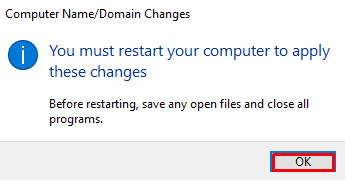
-
If you are ready to restart your server, select
Restart Now.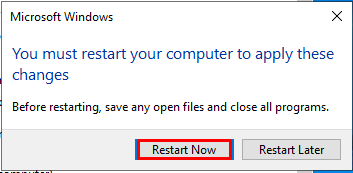
-
After the restart, your Windows hostname will be updated into a new one.